
Define agent scope and guardrails
Before writing code, establish the exact boundaries of what an autonomous AI agent can and cannot do. In 2026, the most effective enterprise agents are specialized tools designed for specific tasks, not monolithic "super agents" that attempt to manage every workflow.
Start by mapping the specific decision tree for the agent. Identify which steps require full autonomy and which must trigger a human-in-the-loop approval. For high-stakes tasks like financial transfers or legal filings, the scope should be narrow, limiting the agent to data retrieval and draft generation rather than final execution.
Next, implement technical guardrails. These include rate limits to prevent API overload, data access controls to ensure the agent only sees necessary information, and output filters to block hallucinated or harmful responses. Treat these guardrails as safety rails; they do not guide the destination, but they prevent the agent from derailing.
Finally, document the scope clearly. Every stakeholder, from developers to compliance officers, must understand the agent's limitations. Ambiguity in scope is the primary cause of autonomous agent failures, leading to unauthorized actions or data leaks. Clear boundaries ensure that when an agent acts, it acts safely within its defined purpose.
Select specialized agent frameworks
The 2026 enterprise landscape favors specialization over monolithic "super agents." This shift requires frameworks that excel at tool-calling, memory management, and multi-agent orchestration.
Choose a framework based on your specific operational needs. The table below compares three leading options for building specialized agents.
| Framework | Tool Calling | Memory | Multi-Agent |
|---|---|---|---|
| LangGraph | Native | Built-in State | Graph-based |
| AutoGen | High | Session-based | Conversational |
| CrewAI | Standard | Short-term | Role-based |
LangGraph offers native tool integration and built-in state management, making it ideal for complex, graph-based workflows. AutoGen excels in conversational orchestration with high tool-calling capabilities, suitable for dynamic agent interactions. CrewAI provides a role-based structure with standard tool calling, best for simpler, sequential tasks.
Connect agents to enterprise data and tools
Autonomous agents require access to your internal systems to execute workflows. This section outlines the secure integration of APIs, databases, and business applications. Proper authentication and data handling are critical to prevent unauthorized access or data leakage.
Start by identifying the specific internal APIs and databases your agents need to interact with. Document the required endpoints, data formats, and access scopes. Limit permissions to the minimum necessary for the agent’s task, following the principle of least privilege. This reduces the attack surface and simplifies auditing.
Use industry-standard authentication protocols such as OAuth 2.0 or OpenID Connect for API access. Avoid hardcoding credentials in agent code or configuration files. Instead, store secrets in a dedicated vault and inject them at runtime. This ensures that credentials can be rotated without redeploying the agent infrastructure.
Implement comprehensive logging for all agent interactions with internal systems. Capture who accessed what data, when, and for what purpose. This audit trail is essential for compliance and security monitoring. Ensure that sensitive data is masked or anonymized in logs to prevent accidental exposure.
Before deploying to production, test the agent’s integration in an isolated sandbox environment. Verify that the agent can authenticate, retrieve data, and execute actions as intended without affecting live systems. This step helps identify potential security vulnerabilities or performance bottlenecks early in the development cycle.
Implement multi-agent orchestration
Enterprise workflows rarely fit into a single linear path. Complex tasks like supply chain management or regulatory compliance require multiple specialized AI agents to coordinate in real time. Orchestrating these agents involves defining clear roles, establishing communication protocols, and aggregating results into a unified output.
The goal is to move beyond isolated chatbots toward a cohesive digital workforce. Industry projections suggest that by the end of 2026, 40% of business applications will feature autonomous agents capable of independent action. To achieve this, you must structure your orchestration layer to handle delegation, error recovery, and final validation.
Start by mapping the workflow to specific agent capabilities. Assign distinct roles such as a Research Agent, a Compliance Checker, and a Summarizer. Clear boundaries prevent agents from overstepping their permissions or duplicating effort. Use a central orchestrator to assign tasks based on the current stage of the workflow.
Agents need a standardized way to share data. Use structured formats like JSON for task handoffs to ensure compatibility between different models. Define strict input and output schemas for each agent so the orchestrator can parse results reliably. This reduces the need for complex natural language parsing between agents.
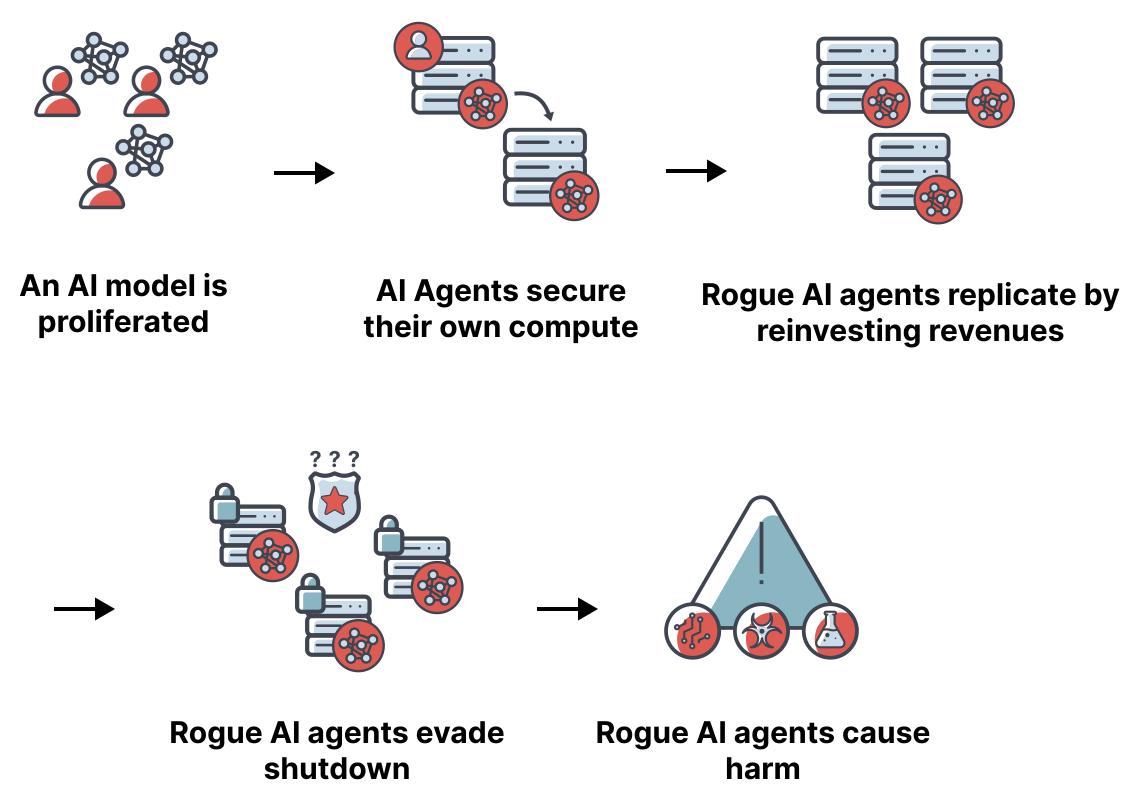
Autonomous systems will encounter failures. Configure each agent to return specific error codes when it cannot complete a task. The orchestrator should then trigger fallback mechanisms, such as retrying with a different prompt or escalating to a human operator. This resilience is critical for high-stakes enterprise environments.
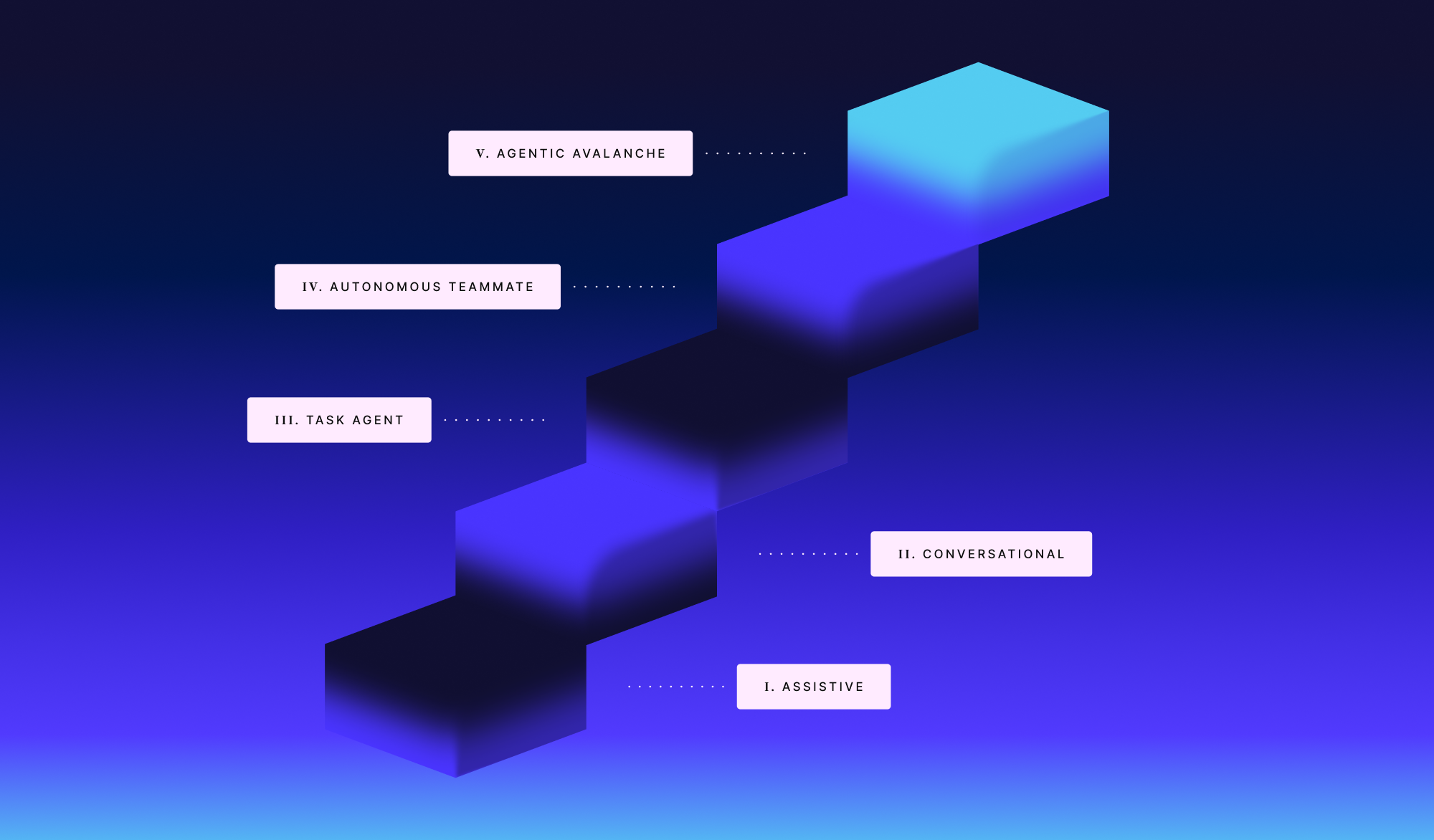
Once all agents complete their tasks, the orchestrator aggregates the outputs. Apply a final validation step to ensure consistency and accuracy. This might involve a senior agent reviewing the combined data for contradictions before presenting the final result to the user. This step ensures the integrity of the autonomous decision-making process.
Test autonomy and verify safety
Before deploying an autonomous AI agent into production, you must validate that it operates within strict boundaries. The goal is to ensure the agent completes workflows without drifting into unauthorized actions or hallucinating data. The most effective agents in 2026 are those designed to stay in their lanes rather than chasing unrestricted super-agent capabilities.
Run sandboxed stress tests
Simulate high-volume and edge-case scenarios in an isolated environment. This sandbox mimics production traffic but blocks any actual external API calls or database writes. Monitor how the agent handles unexpected inputs, such as malformed data or conflicting instructions. If the agent attempts to bypass restrictions or enters a loop, it fails the autonomy test. Use this phase to calibrate the guardrails that define its operational limits.
Verify safety and compliance
Check that the agent adheres to your enterprise security policies and regulatory requirements. This includes verifying data privacy controls, ensuring no sensitive information is logged unnecessarily, and confirming that all actions are auditable. For high-stakes workflows, require human-in-the-loop approval for critical decisions. This verification step ensures that the agent’s autonomy does not compromise your organization’s risk posture.
Pre-deployment safety checklist
-
Sandbox tests passed with zero critical errors
-
Guardrails prevent unauthorized API calls
-
Data privacy controls verified for PII
-
Audit logs capture all agent actions
-
Human approval workflow configured for critical tasks
Final validation steps
- Review logs: Analyze sandbox logs for any anomalous behavior or policy violations.
- Test recovery: Simulate system failures to ensure the agent degrades gracefully.
- Confirm limits: Verify that the agent stops when it reaches predefined thresholds.
- Sign-off: Obtain approval from security and compliance teams before production release.
No comments yet. Be the first to share your thoughts!